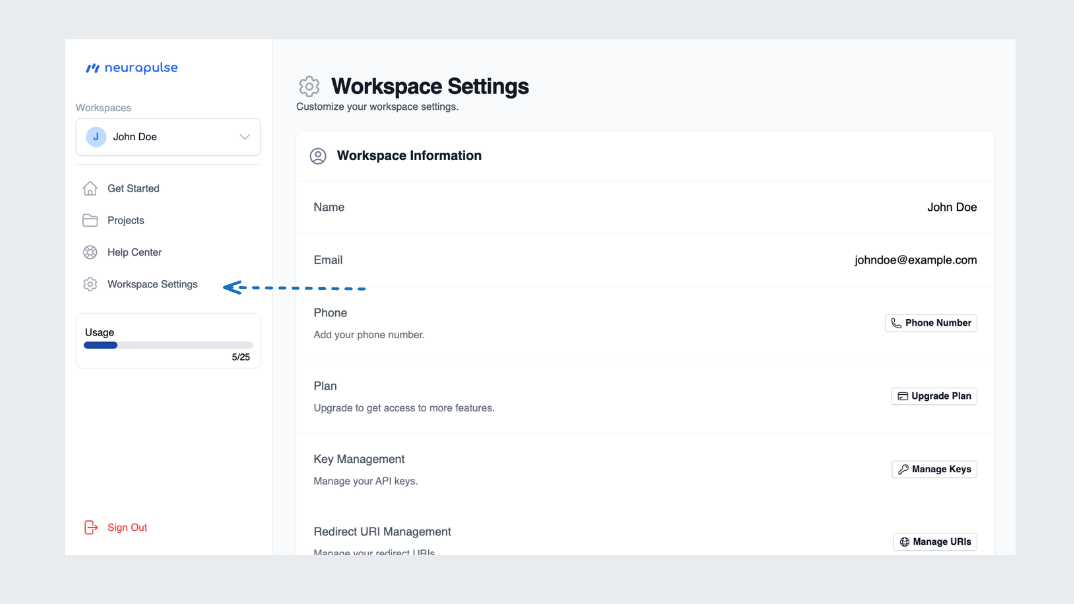
- Click on “Workspace Settings” in the navigation menu
- View your current workspace information
Workspace Information Overview
- Name
- Email Address
- Phone Number (if added)
Updating Information
Name and Email Address
For security reasons, the name and email address on the workspace cannot be changed.Add and Edit Phone Number
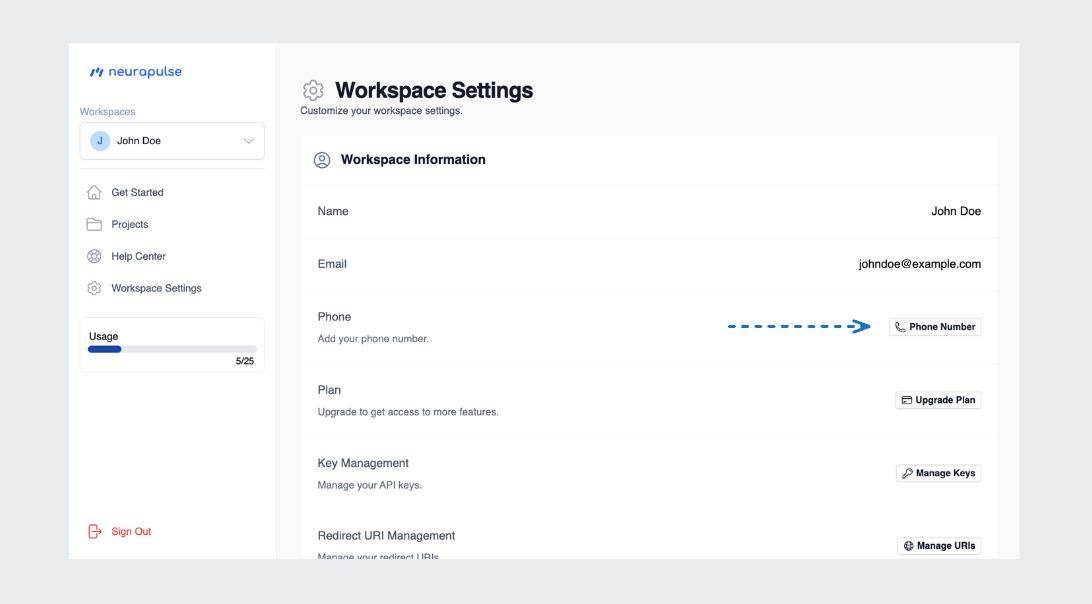
- Click on the Add Phone Number button
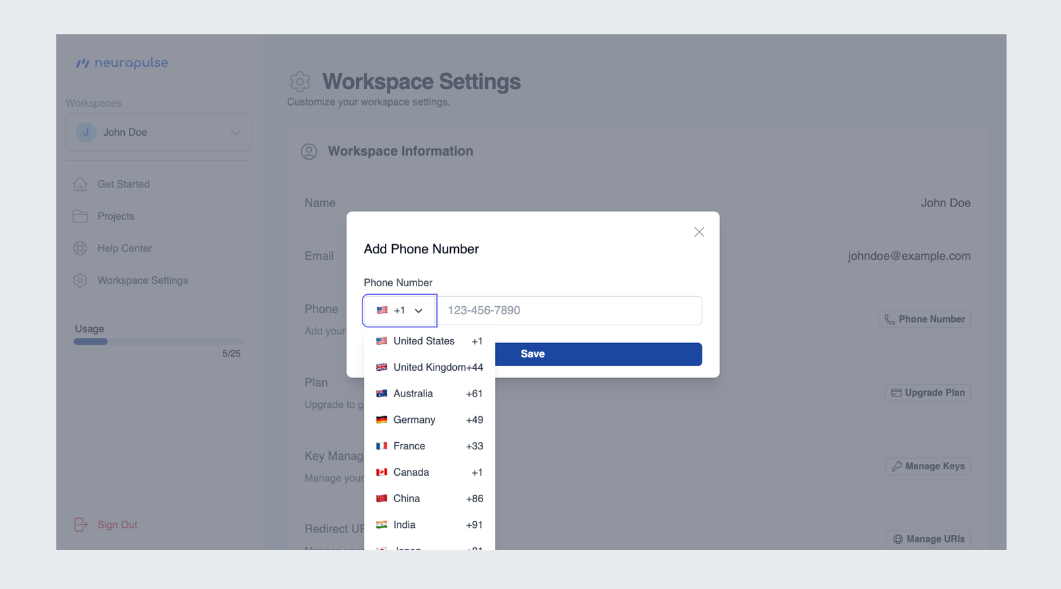
- Choose your country code
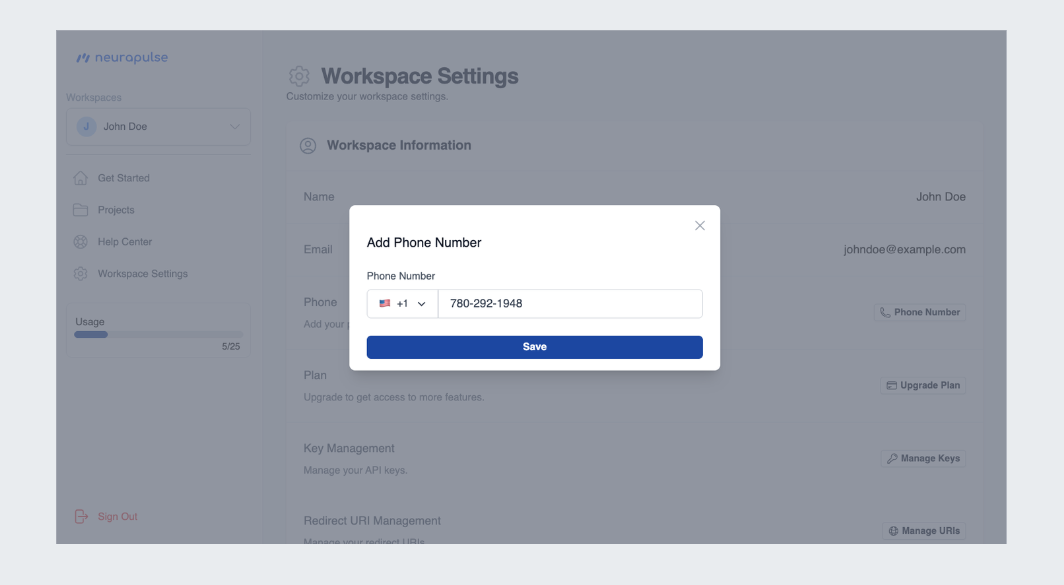
- Enter your 10-digit phone number and press “Save”