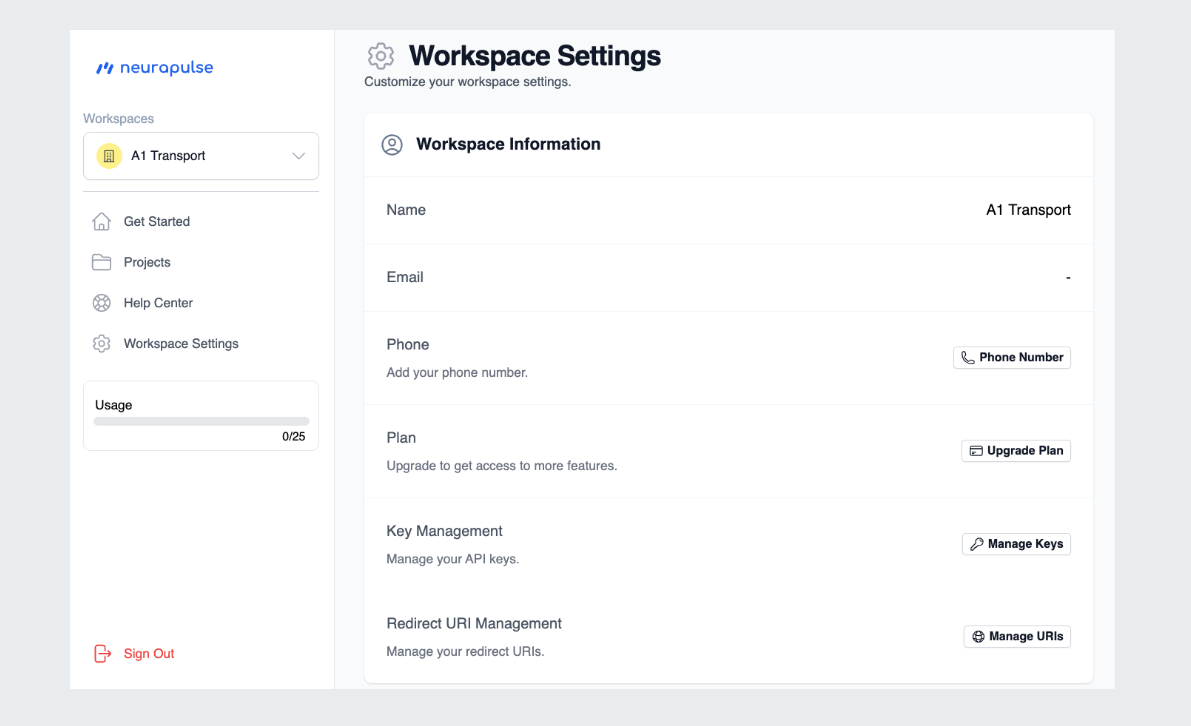
Creating a Workspace
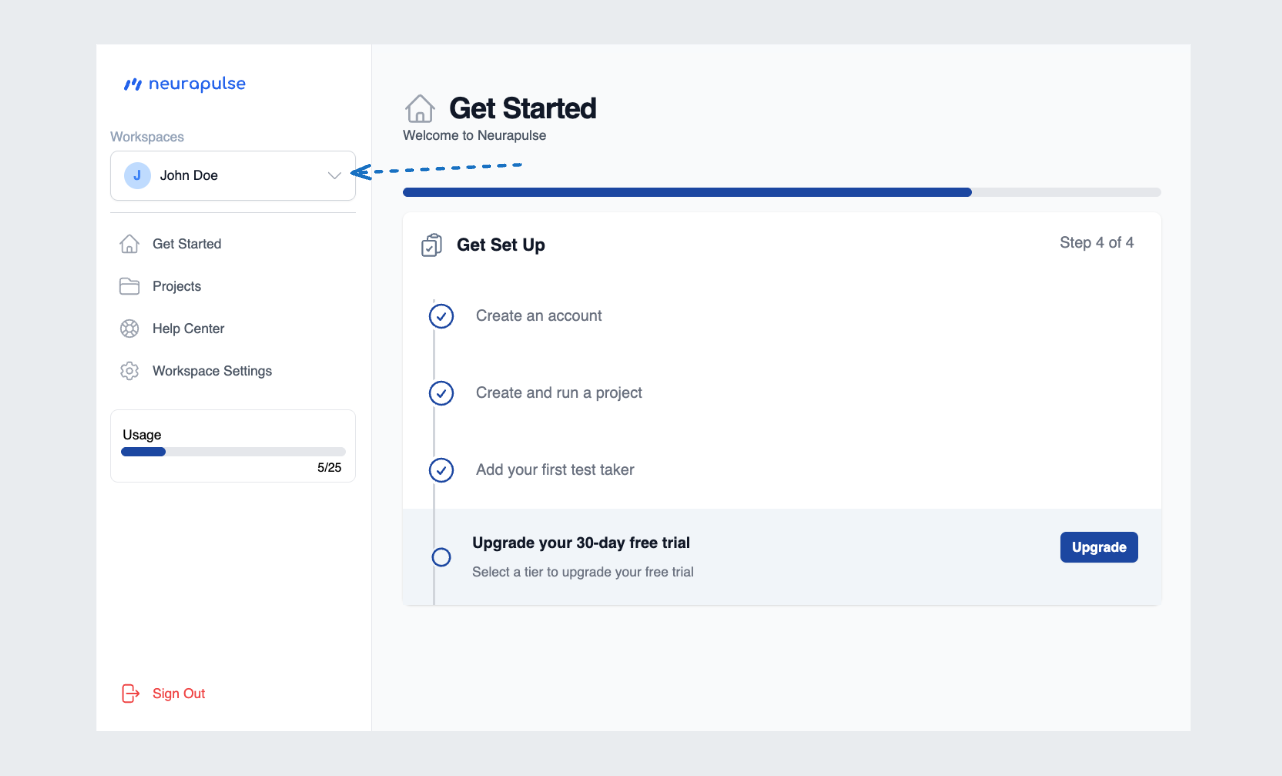
- Click your account name in the top-left corner
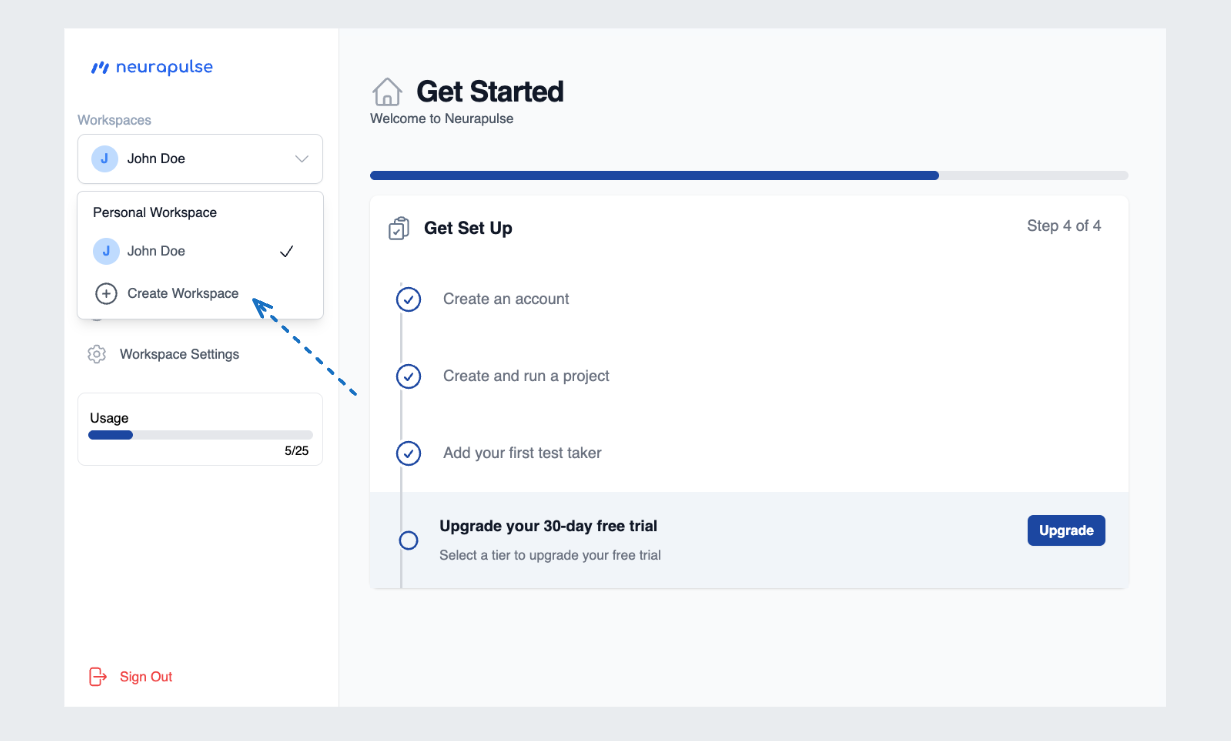
- Select “Create Workspace” from the dropdown
- Enter the workspace name and click “Create Workspace”
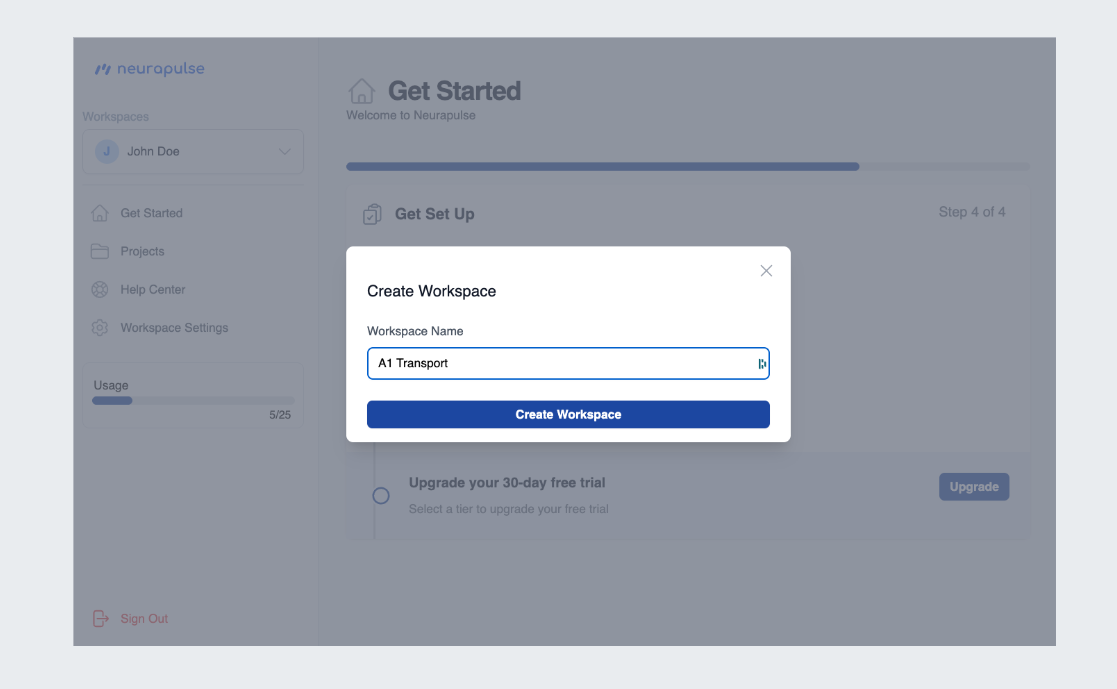
- Click “Create Workspace” to finalize. The new workspace will now manage your current session.
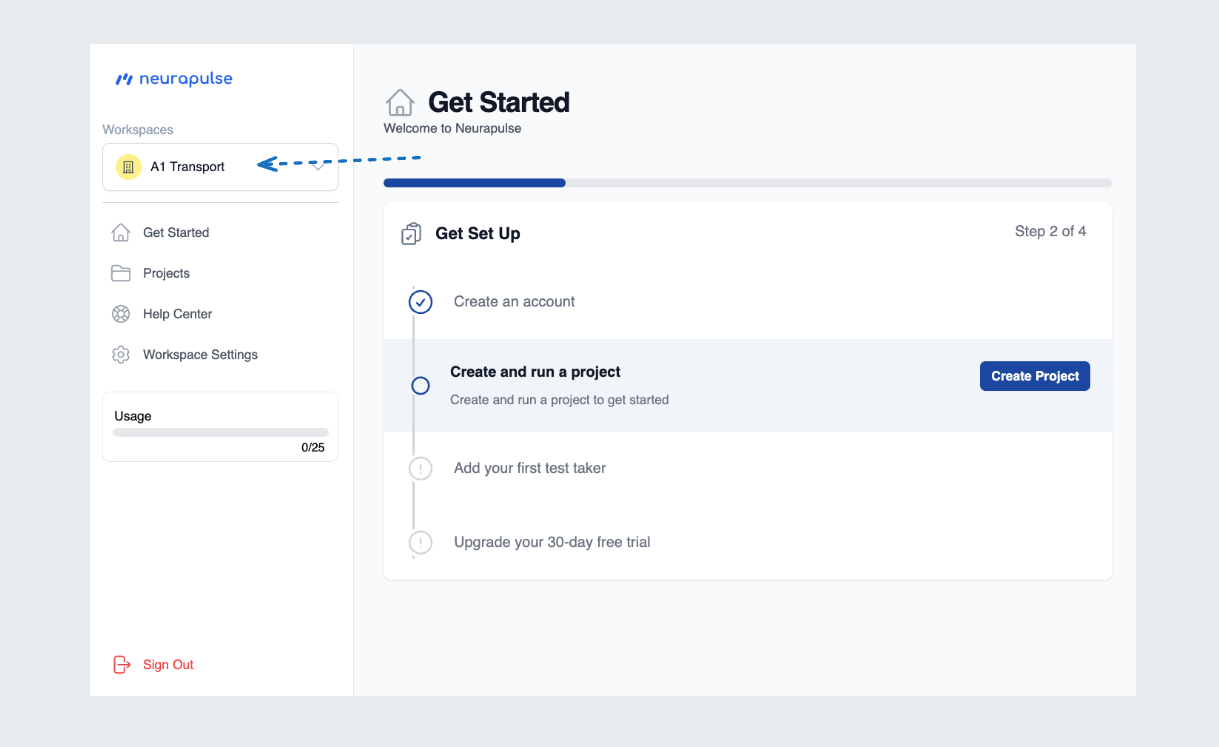
Switching to a Workspace
- Click your account name
- Select the workspace from the dropdown
- The interface updates to reflect the workspace’s projects and settings
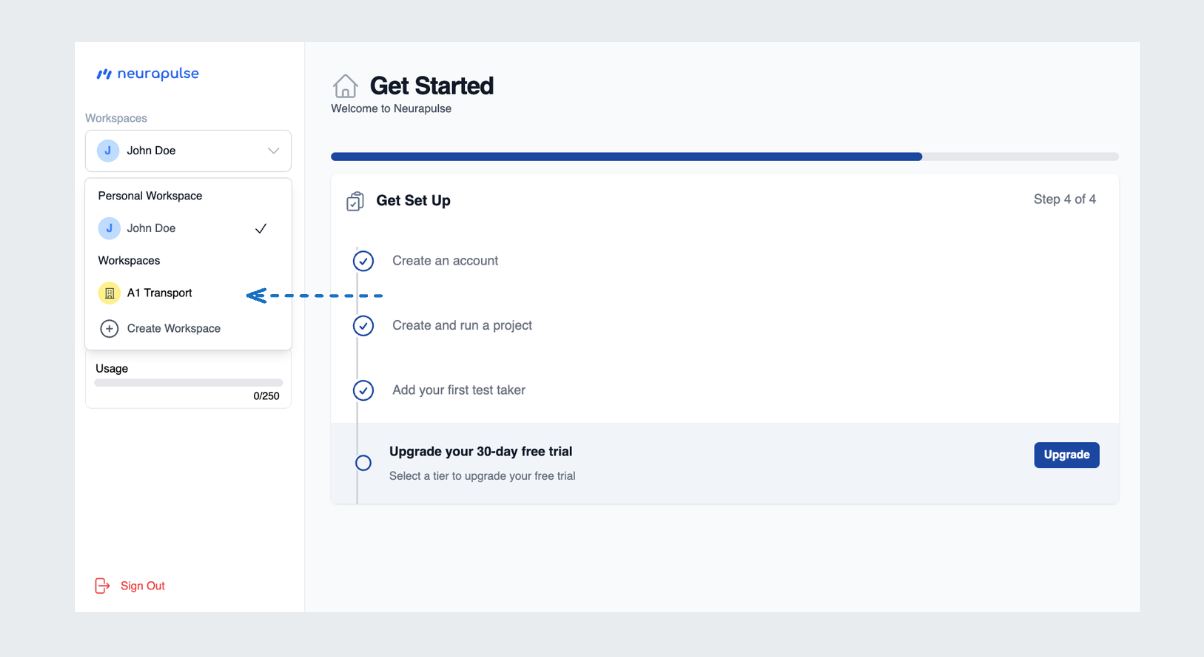
Switching to a workspace allows you to manage projects and settings specific
to that workspace.