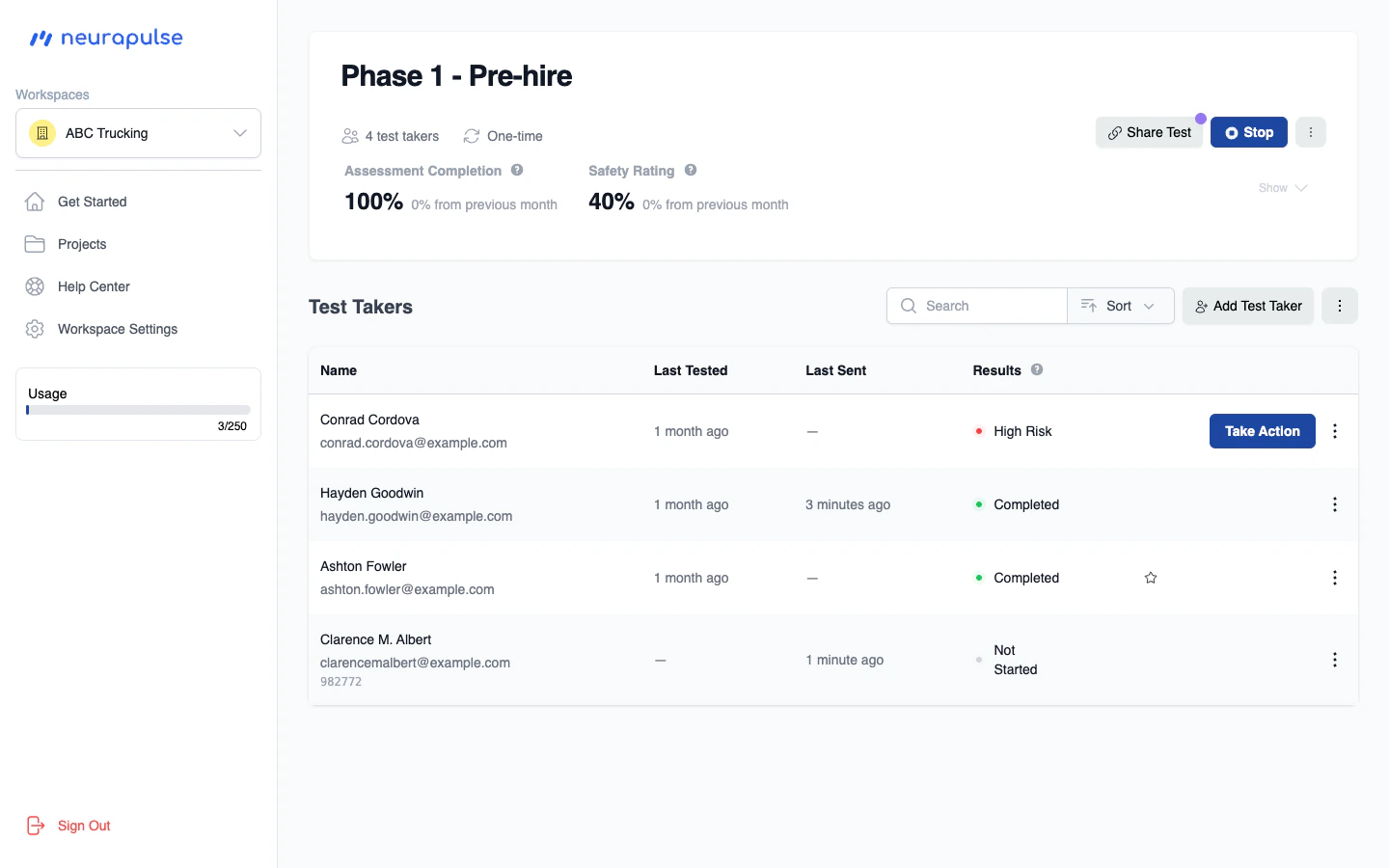
Main Navigation
- Projects: Create and manage assessment projects
- Help Center: Access documentation and support
- Workspace Settings: Update your information and preferences, including billing
Dashboard Features
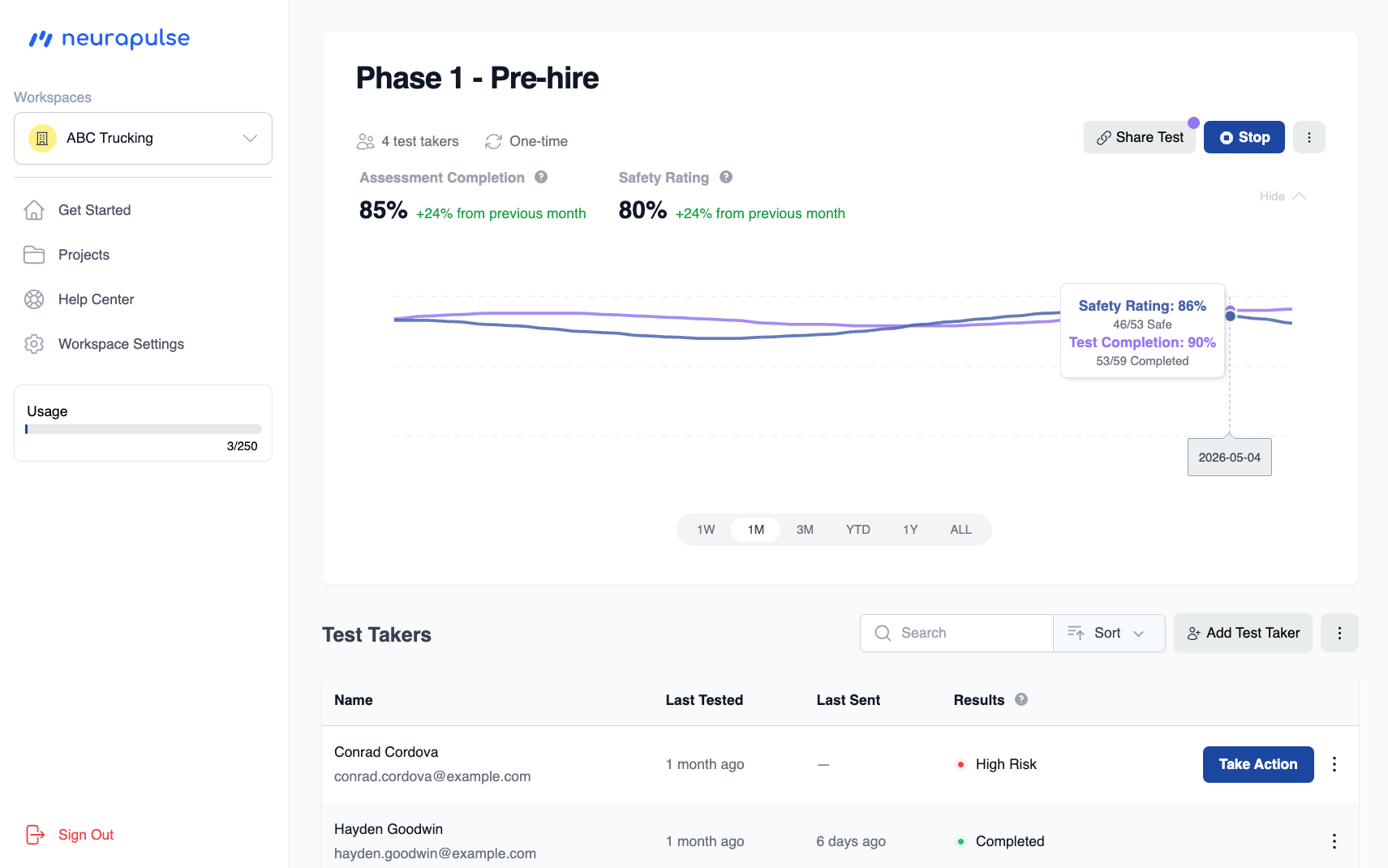
- View Top Priorities: Review your top priorities, like test takers that are high risk
- Safety Metrics: Monitor overall cognitive safety trends
Key Metrics
- Safety Rating
- Test Completion Rate
Test Taker Table
- See test taker results sorted by priority
- Watch updates in realtime as test takers complete their test.
- The Last Tested and Last Sent columns show relative dates (for example, “3 days ago”) so you can quickly see who needs attention. Tap or hover the date to see the exact timestamp. An em dash (—) means no date is available; tap or hover it for an explanation.